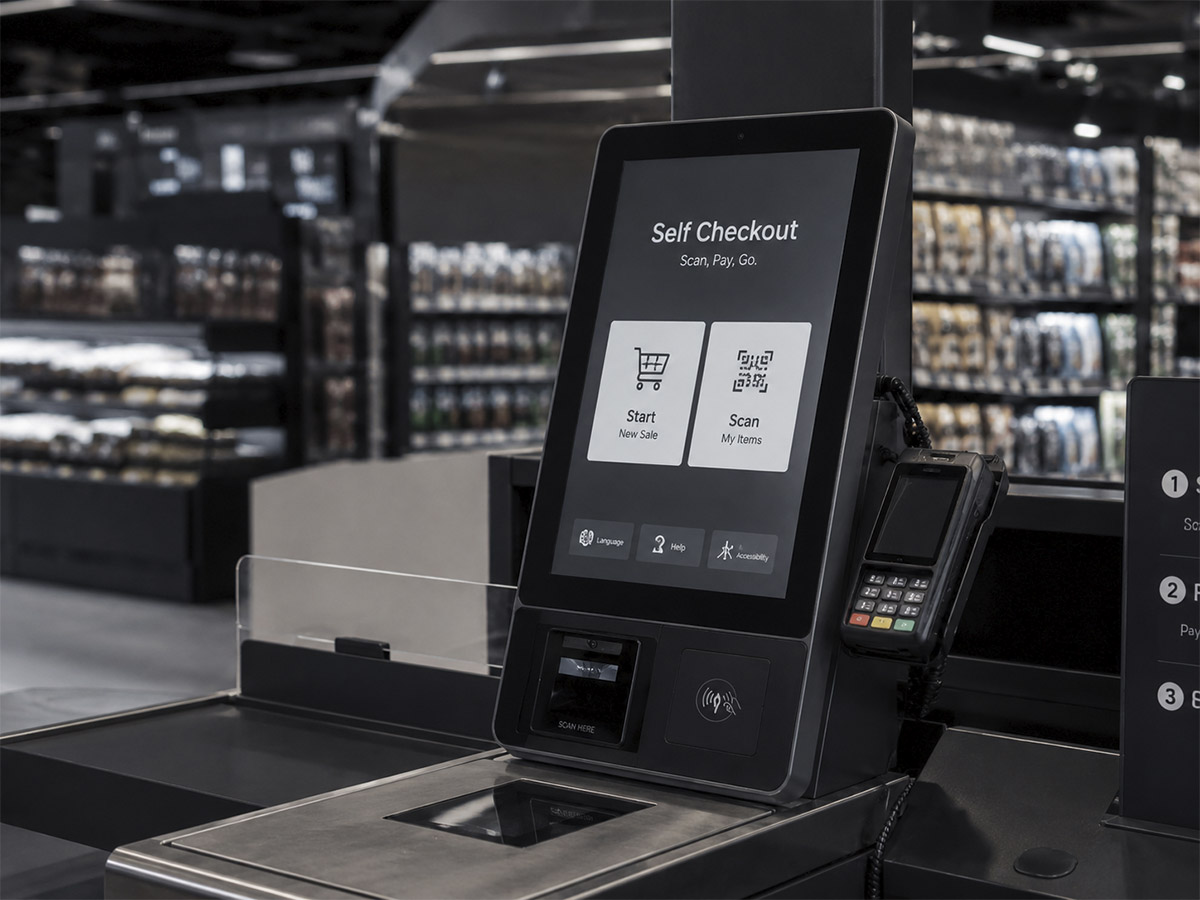
The first self-service kiosk was created in 1986 by David R. Humble in Florida, USA. The idea arose from an everyday experience in a supermarket, where he observed an impatient customer in line decide to scan their product themselves. This made him think: “Why can’t anyone check themselves out in the store?”
Shortly thereafter, the first self-service kiosk was introduced, and the technology has not stopped evolving since then. Today, global brands such as Target, Walmart, Tesco, Carrefour, McDonald’s, 7-Eleven, or Uniqlo have adopted self-service systems, with demand skyrocketing during the pandemic.
Despite challenges such as theft, regulation, or customer adaptation, self-service kiosks continue to advance, becoming increasingly versatile and comprehensive. As technology progresses, they are shaping a more convenient shopping experience for everyone.
Four types of self-service kiosks according to the product identification method
| Technology | Application Information |
|---|---|
| Touch menu | Scenarios: stores with a simple product catalog — self-ordering kiosks, ticket vending machines, or products without barcodes such as fruit and vegetables. How it works: items are selected from a list on a touchscreen to complete the payment. Recommended screen: 21.5″ to 32″ vertical touch monitor that facilitates selection and displays product information clearly. |
| Barcode scanning | Scenarios: retail such as supermarkets and convenience stores. How it works: the product’s 1D or 2D barcode is scanned to complete the payment. Recommended screen: water and dust-resistant touchscreen, with high hardness and impact resistance to extend the equipment’s lifespan. |
| RFID sensors | Scenarios: high-end retail such as clothing stores or boutiques. How it works: detects items using RFID tags without the need to scan each product. It is the most convenient option for the customer, although RFID tags have a higher cost. Recommended screen: ultra-thin, slender, and elegant frame design that integrates with the store’s decor and reinforces the brand image. |
| AI image recognition | Scenarios: sale of unpackaged products, such as bakeries and cafes. How it works: identifies products through image recognition, without the need for barcodes or RFID. It is very efficient, although recognition can be affected by product placement. Recommended screen: high-brightness touchscreen with anti-reflective treatment to ensure clear visualization even in environments with complex lighting. |
As artificial intelligence advances, self-service kiosks are becoming increasingly powerful. The main challenge remains improving business efficiency and offering a smoother checkout experience for the customer. At IBHM, we offer a wide variety of touchscreen solutions adapted to every environment, accompanying the evolution of smart retail. Contact us and together we will find the perfect display solution for your project.